
 Employee Login
 Customer Login


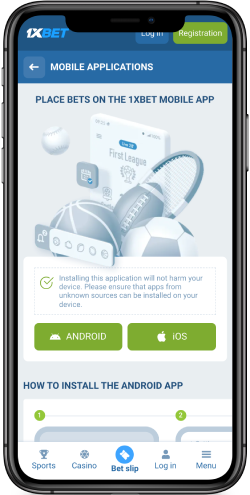
Google Play carries gambling apps in some countries and blocks them in others, so where you live determines whether the 1xBet Android app appears in the store at all. Where it does not, the operator distributes the installation file itself, and that shifts the burden of checking safety onto you. This guide walks through judging the source, downloading the APK, handling Android's install permission, keeping the app updated, and reading the errors that occasionally block installation.
Weighing Up Where the File Comes From
An APK from an unverified source is the single biggest risk in this process, because a tampered file can carry code the original app never contained. Before downloading anything, confirm the page actually belongs to the operator by checking the domain carefully, character by character, rather than trusting a logo or familiar colour scheme.
A dedicated 1xBet app page such as 1xbet apk update new apk is the natural starting point, since it sits inside the operator's own site structure rather than on a third-party mirror.
- Type the address yourself instead of tapping links from messages or forums.
- Look for a valid HTTPS connection and a domain free of extra words or odd spellings.
- Avoid aggregator sites that repackage betting APKs alongside unrelated software.
- Be suspicious of any page demanding payment for the file; the app costs nothing.
Getting the APK Onto Your Phone
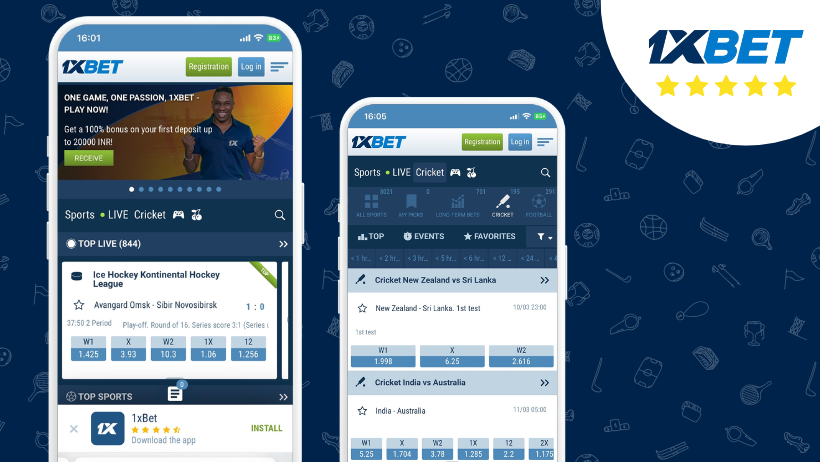
Once you trust the source, the download itself is ordinary: tap the Android download button and the file lands in your Downloads folder like any other. File size varies between releases, so there is no single correct number to expect, but a modern connection handles it in moments.
Some users prefer starting from a 1xBet download page like 1xbet apk update latest apk, which typically presents the current Android build directly rather than routing through the store.
A few habits make the download cleaner:
- Use a stable connection so the file does not corrupt halfway through.
- Download over Wi-Fi if your mobile data allowance is limited.
- Let the download finish completely before tapping the file on your device.
- Ignore any "download manager" pop-ups offering to fetch it faster.
The Unknown-Sources Permission, Demystified
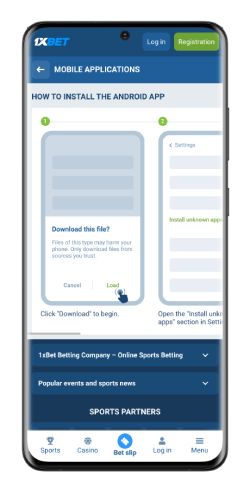
Android blocks apps from outside its store by default, so installing the APK requires granting one specific permission. Crucially, modern Android grants this per source app — you allow your browser or file manager to install, not the whole phone. The toggle usually appears automatically the first time you open the file.
| Step | What happens |
|---|---|
| Tap the downloaded APK | Android warns the source is unknown |
| Open Settings from the prompt | You reach the install-permission screen |
| Allow for that one app | Only your browser or file manager gains the right |
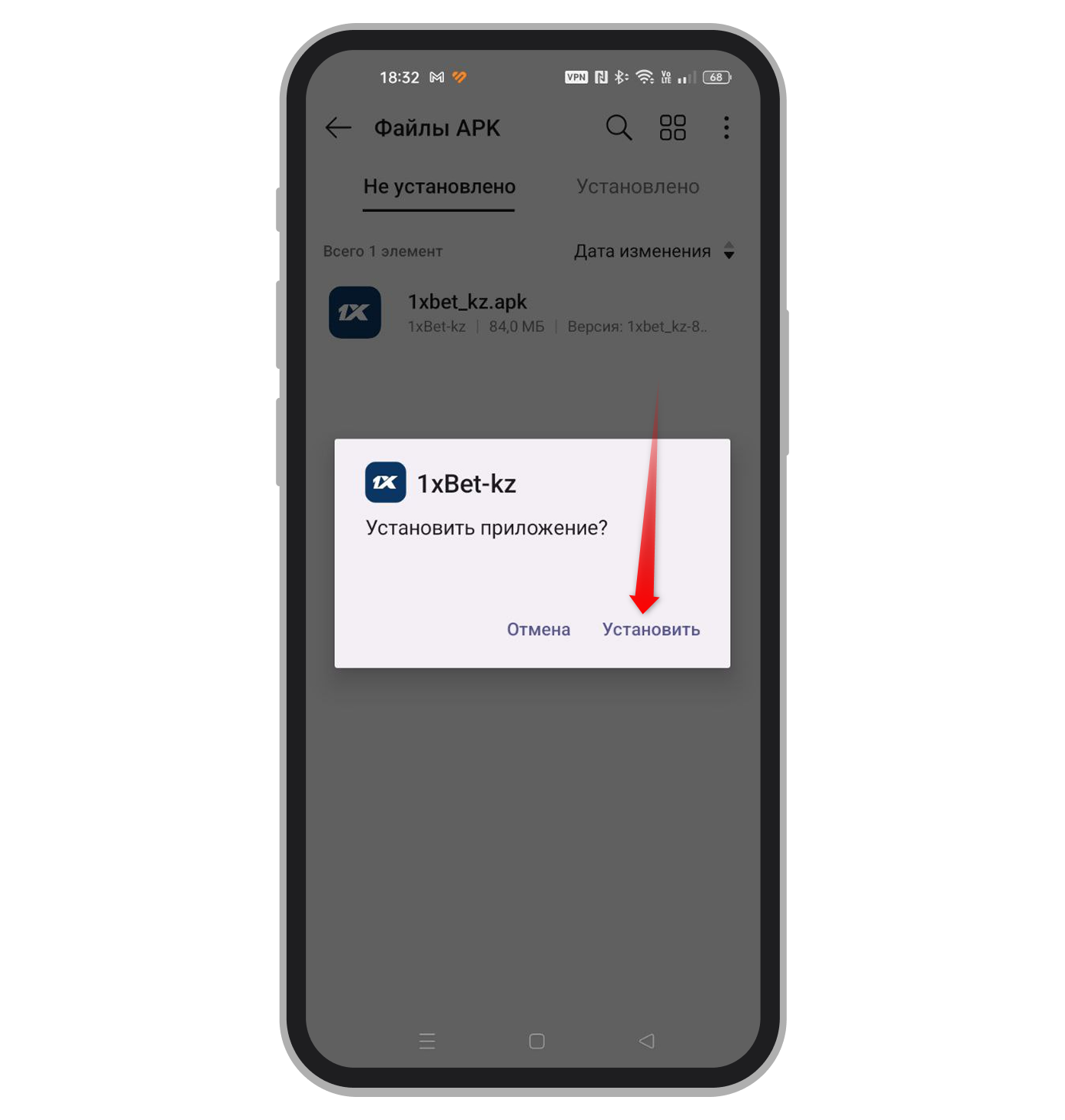
| Return and confirm install | The app installs like any other |
After installation you can revoke the permission immediately in Settings, and doing so is sensible hygiene — it changes nothing about the app already installed.
What the App Actually Does
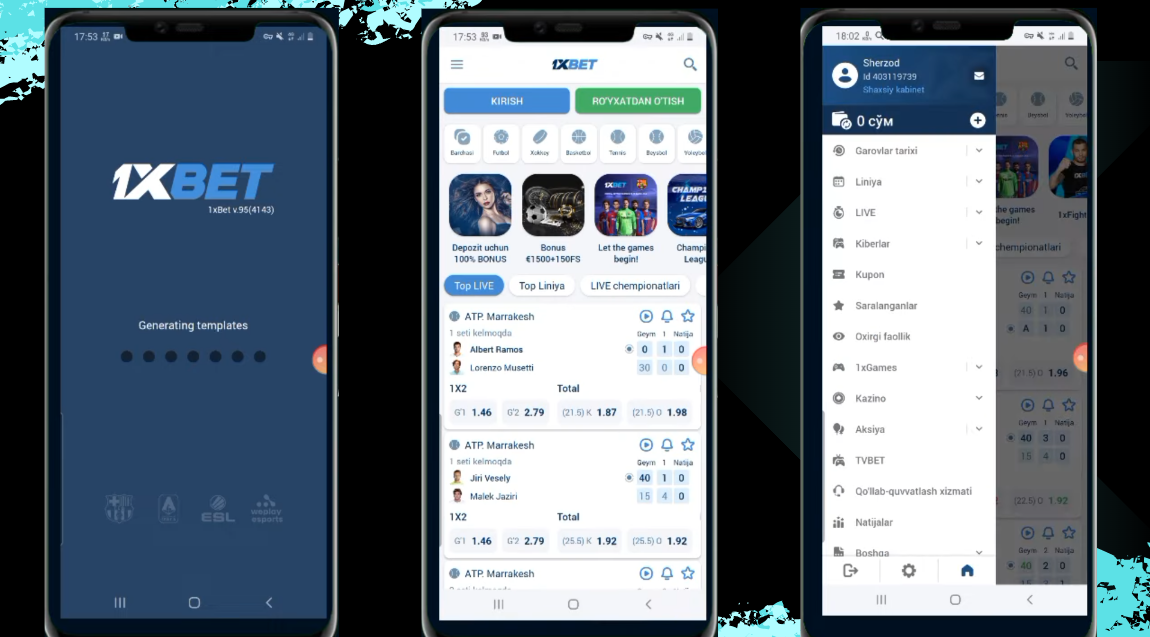
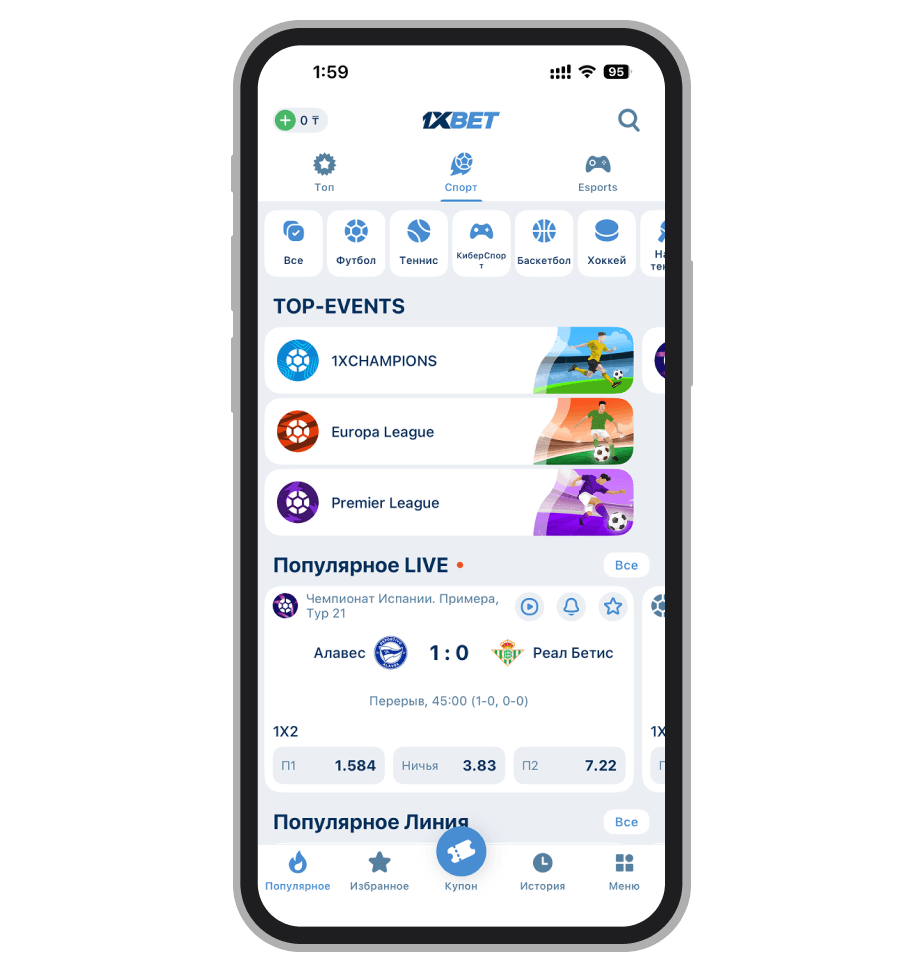
The installed app mirrors the full 1xBet service rather than a cut-down version. Sports betting covers pre-match markets across a wide range of disciplines, while the live section updates odds as it happens as events unfold. Casino games, slots and live-dealer tables sit in their own section of the same app.
Account functions run entirely inside the application:
- Registration and login, including existing account credentials.
- Deposits and cashouts through your region’s payment methods on Android.
- Bet history, transaction records and personal settings.
- Notifications for results and account activity, if you enable them.
Exact features, payment options and interface details vary by region, operating system and app release, so what you see may differ slightly from descriptions written elsewhere.
Keeping the App Current
Updates matter more for a sideloaded app than a store one, because no store is quietly patching it in the background. The app itself usually prompts when a newer build exists, and updating normally means downloading the fresh APK and installing it over the old one.
One technical detail trips people up: Android refuses an update signed with a different certificate than the installed version. That mismatch is precisely why the download source matters — a file from an unofficial mirror may carry a different signature, forcing you to uninstall first. Uninstalling can remove locally stored app data, so note your login details before going down that road.
| Update route | Typical experience |
|---|---|
| In-app prompt | Simplest; installs over the existing version |
| Fresh APK, same source | Usually seamless, signature matches |
| APK from elsewhere | May fail on certificate mismatch |
When Installation Refuses to Cooperate
Most installation failures fall into a handful of recognisable patterns, and the error message usually points at the cause. "App not installed" often means a signature conflict with an existing copy, while a parsing error suggests the file downloaded incompletely or targets an incompatible Android version.
Work through these before assuming something is seriously wrong:
- Delete the file and download it again — corruption is the most common culprit.
- Check free storage space; a nearly full phone blocks new installs.
- Uninstall any older copy of the app, then retry.
- Confirm the unknown-sources permission is actually granted for the app you are installing from.
- Restart the phone if the installer freezes without explanation.
If none of this helps, the mobile website remains a fully functional alternative — it runs in any browser, needs no installation and no permissions, and covers the same betting and account features, though without app notifications.
FAQ
Why is the 1xBet app not in my Play Store?
Store policies on gambling apps differ by country. In regions where Google Play does not list real-money betting apps, the operator distributes the APK directly from its own site instead.
Is granting the unknown-sources permission dangerous?
The permission itself is a standard Android mechanism on your device. The real risk lies in the file's source, which is why verifying the download page matters far more than the toggle.
Should I switch the permission off after installing?
Yes, revoking it afterwards is good practice. It does not affect the installed app and prevents anything else from silently installing through that source later.
What steps let me know an update is genuine?
Updates offered inside the app or downloaded from the same source you originally used will carry a matching signature. A certificate-mismatch error is your warning sign that the file came from somewhere else.
Will uninstalling delete my account after an update?
Your account lives on the operator's servers, not the phone on your device. However, uninstalling can wipe locally stored data such as saved logins, so keep your credentials handy before removing the app.
Historical Review


1963
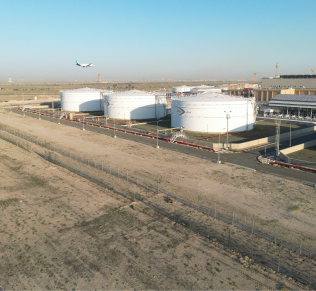
Kuwait Aviation Fuelling Company (KAFCO) was established on 1st of July, 1963 as a Kuwaiti company owned by Kuwait National Petroleum company by (51%) and British Petroleum Company Limited (BP) by (49%) with a capital starting from KD. 30,000/-. The company’s activity is limited to aircraft fuelling operations for all types of aircrafts that use Kuwait International Airport.



1973
In 1973, KNPC acquired BP’s shares, resulting in 100% ownership of KAFCO as a Kuwaiti Shareholding Closed Company (K.S.C.C). This allowed KNPC to contribute to the company’s operations and strategic direction.
1987
By 1987, KAFCO became a subsidiary of Kuwait Petroleum Corporation (KPC), further strengthening its position within the petroleum industry and leveraging the resources and expertise of KPC.

2007
In 2007, KAFCO underwent a significant capital increase, raising it to KD 15 million. This infusion of funds allowed the company to expand its capabilities and meet the growing demand of the aviation fuel market.

2017
In 2017, KAFCO’s ownership was transferred from Kuwait Petroleum Corporation (KPC) to Kuwait National Petroleum Company (KNPC) and sustained its business as a subsidiary of KNPC.

2021
In 2021, KAFCO transitioned from a Shareholding Closed Company (K.S.C.C) to a Single Person Company (S.P.C) while remaining fully owned by KNPC. This structural change reflects the company’s evolving nature and commitment to adapt to the changing business landscape.